
For many US-based Liga MX fans, a Mexican evening kickoff will appear one hour earlier on the American clock after Sunday, November 1, 2026. That does not automatically mean the club, league or broadcaster changed the match. Most of Mexico keeps the same clock throughout the year, while much of the United States returns to standard time.
The important exceptions are on Mexico's northern border, including Tijuana and Ciudad Juarez. Those cities also turn their clocks back, so a conversion copied from a Mexico City fixture can give you the wrong answer. This guide separates the November clock change from an actual scheduling change, with city-specific examples and a practical calendar check. Every worked kickoff below is hypothetical, rather than an announcement of a real fixture.
What changes on November 1, and what stays the same?
The clock change happens at 2 a.m. local time on November 1 in US areas that observe daylight saving time: the clock returns to 1 a.m. NIST confirms the 2026 transition date. Mexico City, Guadalajara and Monterrey keep their existing local time. A Sunday evening match in one of those cities therefore has a different relationship to the clocks in New York, Chicago, Denver and Los Angeles than a Saturday evening match did.
The useful distinction is between the stadium's scheduled hour and the hour on your own phone. A fixture announcement might use Mexico City time, the host city's time or the broadcaster's audience time. Those are different reference points. Before changing your viewing plan, read the label next to the number. A bare "19:00" on an old social graphic is incomplete information once two countries are following different seasonal rules.
A different US viewing hour does not mean the match moved
Suppose a hypothetical Mexico City match is scheduled for 7 p.m. local time on Saturday, October 31. That is 9 p.m. in New York. A different hypothetical match at the same stadium-local hour on Sunday, November 1 is 8 p.m. in New York. The second match has not been brought forward by the conversion: the stadium clock still says 7 p.m. New York's relationship to Mexico City has changed. This comparison applies to those specified dates and cities, rather than every Mexican venue.
An actual scheduling change needs a separate check. If a club announces a revised kickoff, a venue switch or a different playing date, use that latest announcement as the starting point and then convert it. Do not dismiss a genuine alteration as "just daylight saving," and do not infer an alteration solely because an app now shows another American hour. Keep the original city and date attached to any time you share in a supporters' group. The full Liga MX fixture list is a useful place to start identifying the match; the final check should be against the current club or competition announcement.
Which Mexican football cities actually change their clocks?
Tijuana and Ciudad Juarez change their clocks; Mexico City, Guadalajara and Monterrey do not. The current Mexican time-zone law keeps standard time across most of the country and specifies northern-border exceptions. This matters whenever you follow an away fixture: the club you support does not carry its home city's time zone into the opponent's stadium.
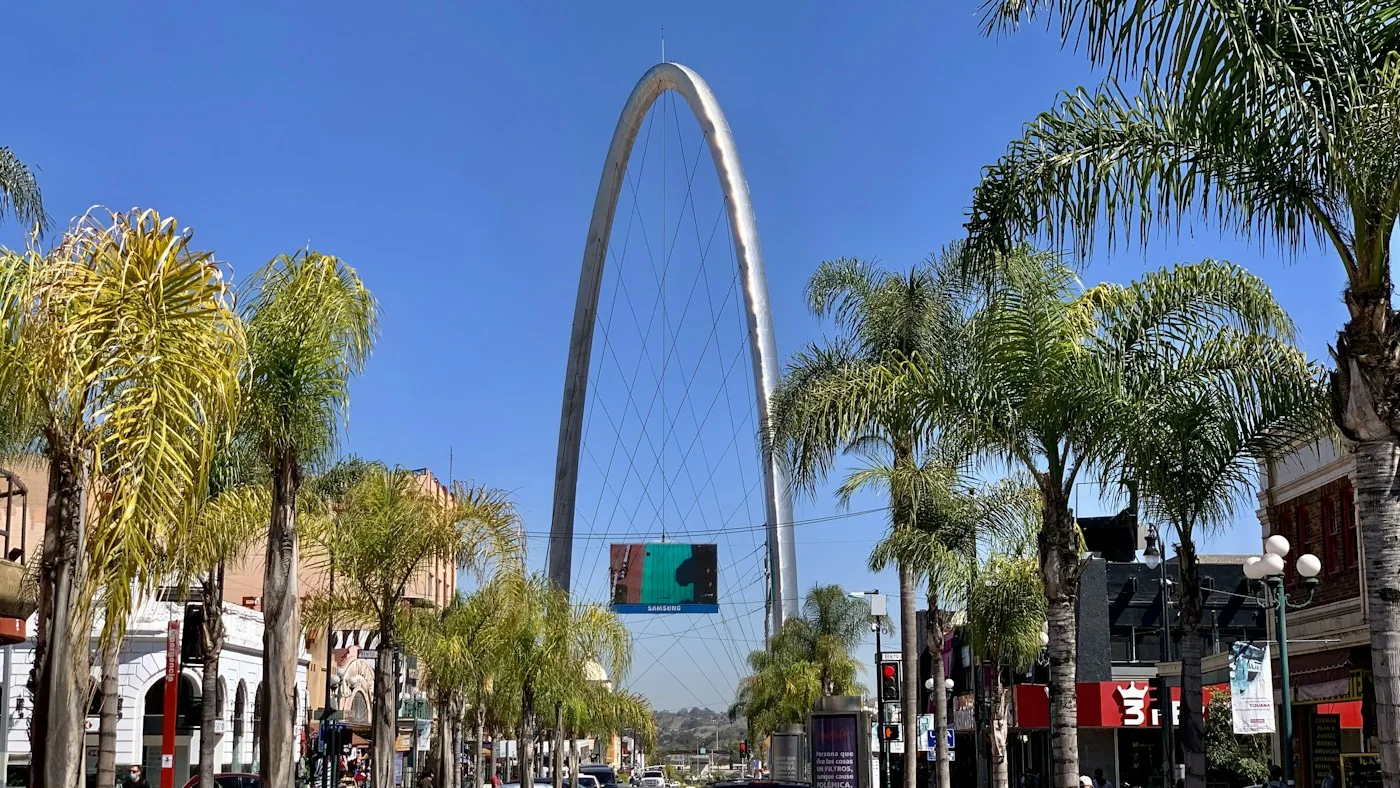
Tijuana and Ciudad Juarez follow different border zones
Tijuana moves from UTC-7 to UTC-8, following the same seasonal pattern as nearby San Diego. Ciudad Juarez moves from UTC-6 to UTC-7, matching nearby El Paso. UTC is the common international reference used to compare local times. You do not need to memorize those numbers, but they show why one generic "border time" setting is insufficient: after the change, Juarez is still one hour ahead of Tijuana.
For a hypothetical 7 p.m. home kickoff in Ciudad Juarez on November 1, a supporter watching in Monterrey would set aside 8 p.m., because Monterrey remains at UTC-6 while Juarez is at UTC-7. On October 31, those cities share the same local clock. That difference comes from the host city's seasonal change. It is the reverse of casually assuming that all Mexican venues stay fixed while only American viewers adjust. Check the venue shown on the week's Liga MX schedule before applying a conversion.
Monterrey, Mexico City and Sonora need their own checks
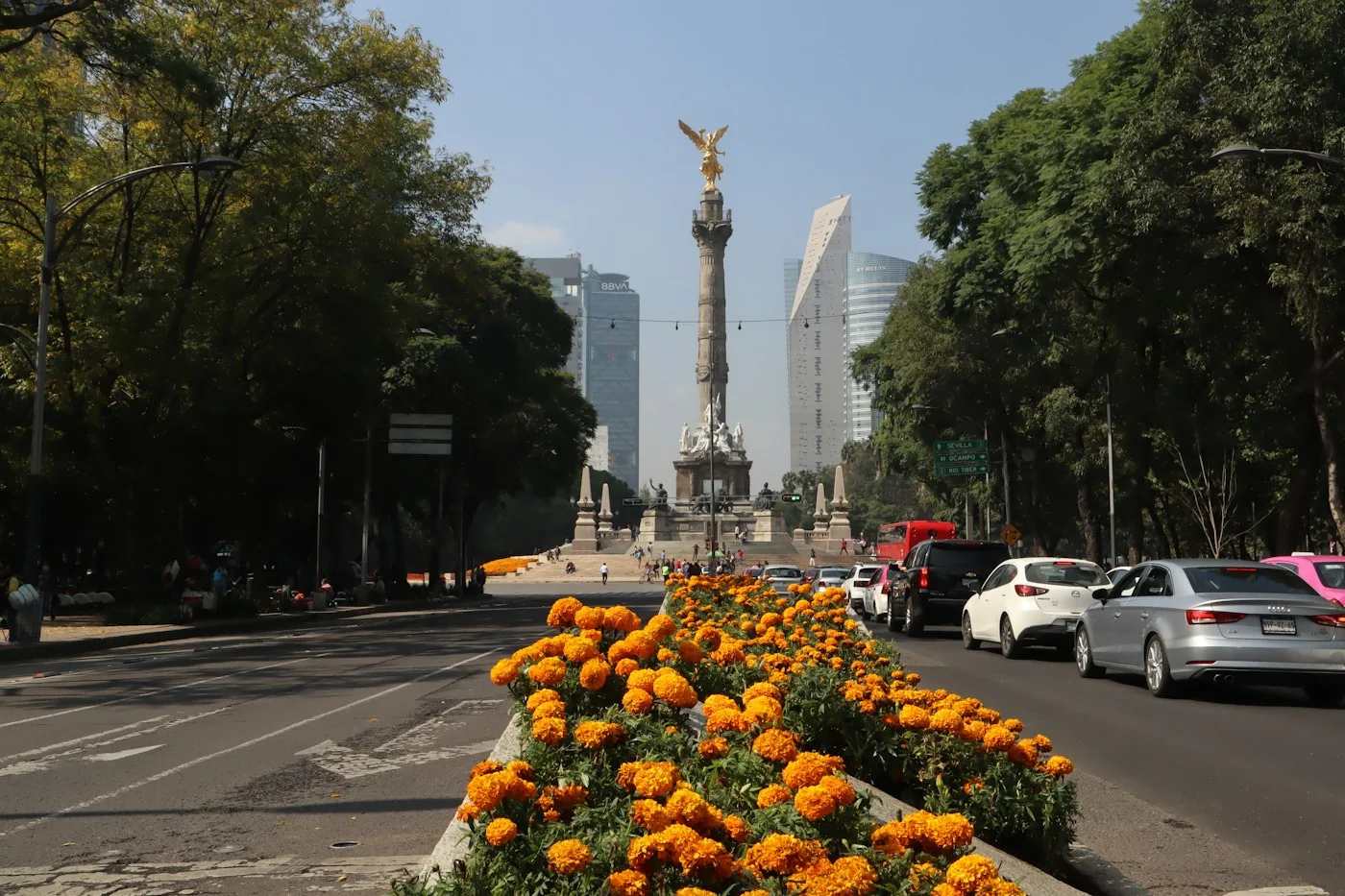
Being in a northern state does not automatically place a city under border daylight saving. Monterrey stays at UTC-6. The law names Anahuac as the relevant Nuevo Leon municipality for the border exception; it does not put the whole state on Monterrey's neighboring US schedule. Mexico City and Guadalajara also remain at UTC-6. A supporter traveling between those three cities does not change the clock simply because November 1 arrives.
Sonora remains on UTC-7, while Baja California Sur also stays outside the seasonal-clock exception that applies to Baja California. Similar names and geographical proximity can be misleading when selecting a city on a phone. For travel, keep the stadium, hotel and departure point as separate locations in your plan. The correct kickoff conversion tells you when the football begins; it does not establish how long a border crossing will take or when a transport operator's service departs.
How do you convert a Mexico City kickoff for US viewers?
Use the match's date as well as its hour. For an evening kickoff in Mexico City after the November 1 change, New York is one hour ahead, Chicago is level, Denver is one hour behind and Los Angeles is two hours behind. These relationships describe the named cities after they have completed their Sunday transition. They are not a year-round conversion and should not be transferred to Tijuana or Ciudad Juarez.
Compare October 31 with November 1 before using a saved conversion
The table uses two hypothetical 7 p.m. Mexico City kickoffs, one on each date. No team or match is being announced. It shows how a perfectly accurate Saturday conversion can become an inaccurate Sunday reminder if you reuse the American hour instead of converting the new event. Phoenix and Honolulu are included to show why "all US viewers move back" is also too broad.
| Viewer city | Saturday, October 31 | Sunday, November 1 |
|---|---|---|
| New York | 9 p.m. | 8 p.m. |
| Chicago | 8 p.m. | 7 p.m. |
| Denver | 7 p.m. | 6 p.m. |
| Los Angeles | 6 p.m. | 5 p.m. |
| Phoenix | 6 p.m. | 6 p.m. |
| Honolulu | 3 p.m. | 3 p.m. |
Read Eastern Time or Pacific Time as a regional label, rather than assuming a fixed offset from Mexico throughout the season. Standard-time and daylight-time abbreviations describe different offsets. A listing that says ET may already account for the date; it does not require you to subtract another hour manually. On the games today page, confirm the displayed local zone before comparing it with a broadcaster's graphic.
If you want to check the arithmetic, 7 p.m. in Mexico City at UTC-6 is 01:00 UTC on the following calendar day. After New York has returned to UTC-5, that same instant is 8 p.m. there on the original evening. The international reference has crossed midnight, but the New York viewing date has not. A conversion service does this calculation for you; entering both cities and the fixture date is what gives it the necessary information.
Phoenix stays on the same offset across these dates, as does Honolulu. Most of Arizona does not observe daylight saving, although the Navajo Nation is an exception; choosing Phoenix avoids that ambiguity for this example. If your supporters' group spans several states, share the named host-city time and let each person convert it. One nationwide "US time" reminder cannot serve a group in New York, Arizona and Hawaii accurately.
Why can the same match appear under two calendar dates?
A late match can belong to Saturday at the stadium and Sunday for someone watching farther east. The playing date has not changed; the viewer has crossed midnight in a different time zone. Around November 1, keep the full date attached to the conversion because the clock change itself happens overnight, at different real-world moments in different zones.
Late border-city games can cross midnight elsewhere
Consider a hypothetical 9 p.m. Tijuana kickoff on Saturday, October 31. It is midnight at the beginning of Sunday, November 1 in New York. New York has not reached its 2 a.m. clock change yet, so using its later Sunday-evening offset for this instant would be wrong. A date-aware converter handles that boundary. A chart headed simply "November 1 standard time" can mislead if you apply it to the early hours before the transition.
Now consider a separate hypothetical Tijuana match at 9 p.m. on Sunday, November 1, after both cities have completed their changes. New York shows midnight at the beginning of Monday, November 2, while Mexico City shows 11 p.m. Sunday. Someone searching only a New York-based Sunday list could miss it. Conversely, a Mexican matchday graphic can correctly retain Sunday. This is why a date disagreement between two screens is a reason to inspect their location labels before assuming either screen has the wrong fixture.
Pregame coverage, Mexico date and local kickoff are different labels
A television program's start is another possible source of confusion. A listing may describe the beginning of coverage, while a club poster gives the scheduled first whistle. Check which event the number describes before treating a difference as a time-zone error. Equally, a schedule can display the host's Mexican date alongside a viewer-local hour. Read those labels together; the date is not automatically the date on your living-room clock. If a kickoff is still marked TBA, a placeholder hour does not become a confirmed playing time merely because a calendar can convert it.
For a watch party, write the invitation in the guests' city and include the weekday, month and date. Put the original stadium-local kickoff underneath if friends are comparing different services. Give any pregame gathering its own start rather than silently treating it as kickoff. If you are traveling, use the same approach for a return journey: check the transport operator's local date and departure point separately. A match that ends after midnight for a remote viewer may still finish on the original stadium date, and neither label guarantees that a particular train, bus or border crossing will be available.
How should you check your calendar before matchday?
Check a confirmed fixture against its original city, then compare your calendar's display in your own city. Do that before subtracting an hour from every reminder. A calendar that already knows the event's correct instant should convert it for you; a manually entered event with the wrong starting time needs a different correction. Both can look like an hour-long error on the screen.
Verify one fixture in your city before trusting the rest
Google Calendar's time-zone guidance explains that events are converted to UTC and shown in local time. The event's own zone and the zone you use to view your calendar are therefore separate things. If you created a Mexico City kickoff while your calendar was set to New York and simply typed the Mexican hour into a New York event, changing daylight-saving settings will not establish the intended kickoff. Open the event and check what location the start time belongs to.
A subscription and a copied event also behave differently. A subscribed schedule can receive later changes from its provider, subject to the calendar app's refresh behavior. An event you typed yourself or copied from a graphic does not acquire a new kickoff just because the graphic's publisher later corrects it. The Liga MX calendar page provides subscription options, but you should still compare a newly confirmed or revised fixture with the club's current notice close to matchday. Do not assume every calendar app refreshes immediately.
- Identify the home club, stadium city and full playing date, including the year.
- Read whether the announced hour is host-local, Mexico City time or a named US zone.
- Convert that particular date to your actual viewing city, rather than using last week's difference.
- Compare the calendar event and its reminder with that result; inspect the event zone if they disagree.
- Recheck the current club or competition notice and the broadcaster's coverage listing before you settle down to watch.
If two reminders appear, first see whether you have both a subscription and a manual copy. Correcting one while continuing to follow the other leaves the problem unresolved. Keep a single trusted match event and put your own gathering or travel reminder in a clearly labeled separate entry. When traveling, check which city your device and calendar are using to display time. A phone switching automatically to the destination zone may correctly change the visible hour of an unchanged event.
Keep the device's time-zone information current, too. A synchronized clock is useful, but it cannot decide whether a club has revised a fixture or whether you chose the right Mexican city. For this November weekend, the decisive checks are the host city, the exact date and the viewer city. Once those agree, use the converted hour to plan your evening and keep any unconfirmed kickoff visibly provisional until the football authorities announce it.
Comments
Comments are reviewed before publication.
Sign in with Google to comment. Spam, abusive content, personal information and policy-violating links are not published.
Sign in with Google to comment or reply.
Loading comments…