Why does a “live” Liga MX stream reach you late?
A Liga MX stream can be live and still show a goal after a neighbor's television or your phone alert. “Live” describes an ongoing event; it does not mean every delivery route reaches every screen at the same instant. The picture must be produced, compressed, distributed and held briefly by a player before you see it. A separate delay can accumulate if your particular playback is no longer at the newest available moment. The first task is to tell those two problems apart.
The match has several stops between camera and screen
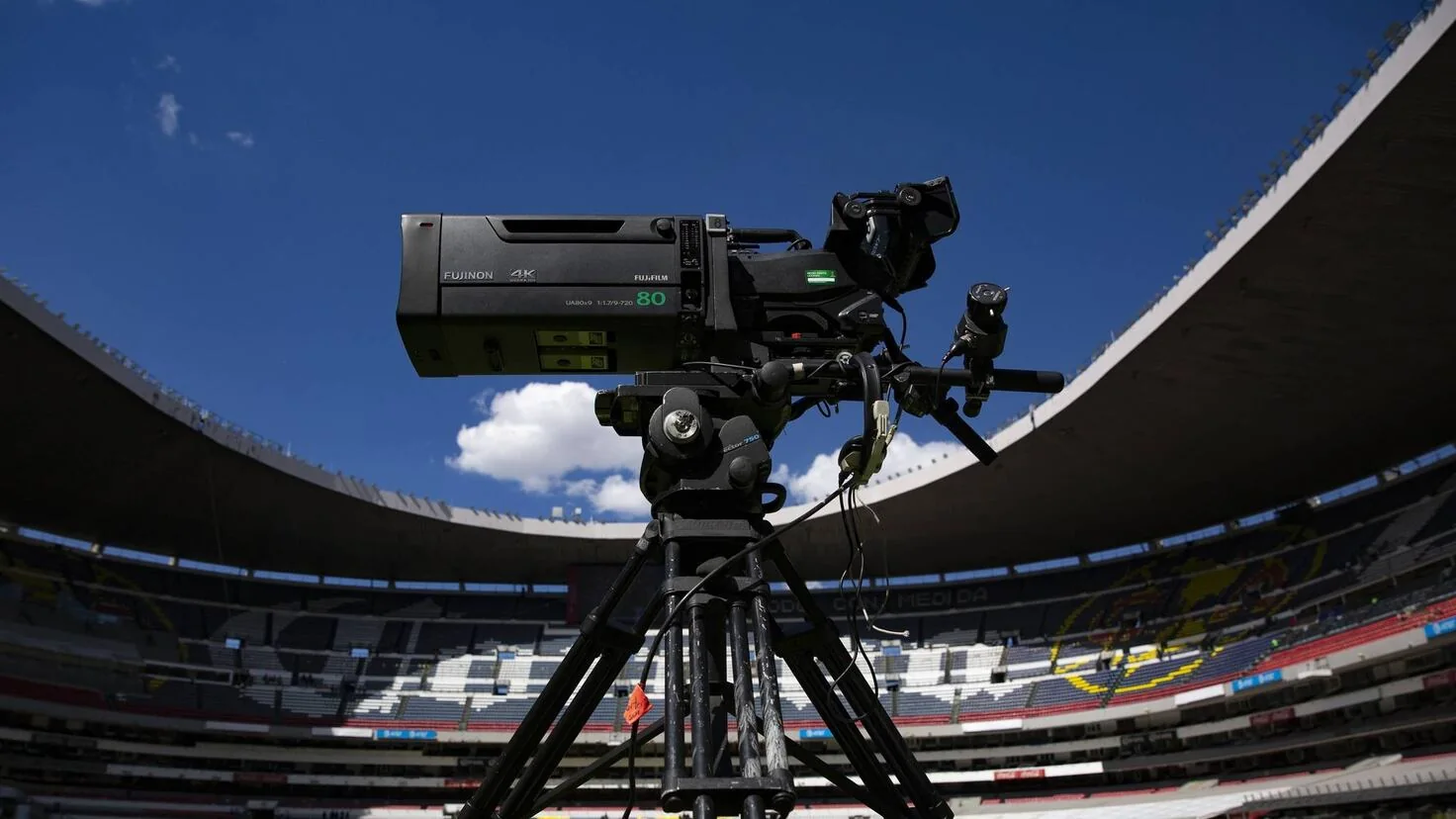
Imagine a Clásico Nacional chance beginning on the pitch. Cameras capture it, the broadcaster chooses a shot and adds commentary and graphics, and the outgoing feed is prepared for each outlet. An internet service then compresses video into formats your phone or television can play, divides it into small pieces, sends those pieces through servers and a delivery network, and lets your player decode them. AWS's live-streaming guidance identifies encoding, packaging, network delivery and the client player as places where latency can enter. This is how streaming works in general, not a diagram of ViX's unpublished match-specific system.
Traditional television also takes production and transmission time. An antenna is not a magical view of the pitch with zero seconds in between, and a cable feed may pass through its own processing and set-top box. The relevant question is how the same event travels along two available paths. A score app can be ahead of a stream because its data feed and the video player have different delivery chains, even when neither is malfunctioning.
A safety buffer can trade speed for smoother playback
Streaming players usually keep some video ready before showing it. That buffer is a cushion against a momentary network slowdown. If a service plays very close to the latest piece of video, it has less cushion and may freeze more easily. YouTube TV's own help describes exactly that tradeoff for its Broadcast Delay control: choose a shorter delay and interruptions become more likely. The same engineering principle helps explain why different apps may make different choices between immediacy and stability; it does not tell us ViX's chosen buffer size.
ViX acknowledges in its live-delay help that delays are common and can vary with internet speed and location. A high speed-test result is useful, but it cannot remove the time already spent producing and distributing the feed. A stream that is consistently a little behind another authorized screen might simply reflect different delivery choices; a stream whose gap grows after stalls deserves closer troubleshooting.
A paused or resumed feed can add avoidable delay
Some live-TV services let you pause, rewind or start a recording from the beginning. If you stop to answer the door and resume from the paused frame, you are now behind that service's own live edge as well as behind any normal distribution delay. Look for a “Live” label, a progress bar ending at the current point, or a “Jump to live” action on services that provide one. Returning there can remove the extra time you created; it cannot make the service faster than its underlying feed.
Do not search endlessly for the same control in every app. ViX's help for live programming says it cannot be paused or rewound in that version of the service, so a ViX user may have no DVR-style live slider to move. If a ViX match drifts behind, reopening the live event and following ViX's device and connection advice is more relevant. That difference between the provider's live feed and your place within it is the key to a useful fix.
Is an antenna faster than cable or ViX for the same match?
An antenna connected straight to a television is often a useful way to avoid an internet stream's extra delivery steps when the exact Liga MX match is available on a receivable local broadcast station. It is not a universal fastest-feed guarantee. Cable can take several technical forms, devices add their own processing, and ViX may be the only listed outlet for a particular fixture. Start with the match assignment, then compare timing among feeds you are actually authorized and able to receive.
A receivable over-the-air broadcast has a different path
In the United States, a local over-the-air station sends a television signal that an antenna and digital TV tuner can receive. The picture still passes through the broadcaster's production and digital transmission chain, so “over the air” is not the same as watching at the stadium. But a direct antenna-to-TV setup does not ask a streaming app to fetch video pieces across the internet and maintain its own playback buffer. That shorter route can put it ahead of an app during the same play. It must be tested, not assumed, for your local signal and devices.
The catch is rights, not technology. TelevisaUnivision's Apertura opening-week notice assigned some games to Univision, some to TUDN and ViX together, and at least one to ViX alone; it also warned the schedule could change. An antenna can receive a local broadcast station where signal and programming allow it. It cannot receive a cable-only TUDN channel or a ViX-only stream simply because the teams are familiar. Use the current Liga MX TV schedule for the exact fixture and local market. Our legal U.S. free-viewing guide explains the antenna setup and access question in detail.
Cable boxes and streaming apps have no fixed finishing order
“Cable” can mean a signal decoded by a set-top box, a provider's live-TV app over home broadband, or an internet-delivered package that feels like traditional cable in its menu. They may display the same channel at different moments. A box can buffer or process a feed; an app may encode and distribute another version. The screen itself can add video processing, although that usually matters less to the spoiler problem than a stream sitting many video pieces behind. Switching from a phone to a smart TV or from Wi-Fi to Ethernet can change your experience without changing the match's broadcaster.
Recent Liga MX supporters have compared ViX, Hulu + Live TV, YouTube TV and an antenna before the Clásico Nacional. Their comments disagree about which service is ahead, and quoted second counts come from different homes and moments. That makes the discussion a good description of the frustration, not a league-wide timing chart. A fair test would show the same camera event—say a referee whistle—on both legal feeds, at the same time, in the same market. It should note the device, internet connection, whether either player was paused, and whether the comparison is a direct broadcast or a stream of that broadcast.
If your household already receives the match on a local antenna and on ViX, compare them before kickoff rather than after a goal notification. If the antenna picture is ahead and stable, keep it for this fixture. If the game is not on a local station, buying an antenna to chase lower latency solves nothing. The useful choice is always specific to the game, channel and device, never a blanket claim that one logo beats another every weekend.
How can you tell whether the app or your connection is adding delay?
Compare two authorized pictures of the same match, then watch whether the gap stays steady or grows. A steady difference from kickoff usually points to the two delivery paths or their normal buffers. A feed that progressively falls back after freezes, restarts or quality drops gives you a local playback problem to investigate. This test is more useful than asking a stranger how many seconds behind ViX “always” is.
Compare the same moment on two authorized feeds
Set both screens to the exact fixture and let them play simultaneously. Choose a moment that is unmistakable on both: the referee's whistle, a corner kick taken, or a replay that starts at the same cut. If a television shows that moment before your phone, note which source and device each screen uses. Repeat at halftime and late in the match. You can count the gap with a simple clock if you want, but treat the result as a measurement of those two setups on that day. It is not the absolute time from pitch to screen, because neither screen is a zero-delay reference.
Confirm that you are truly watching the same live program. One tile might be a highlight or a replay; another may be a different commentary feed or a TV broadcast of the same match with a separate production path. The current Liga MX game listing identifies the fixture; the player's event title and on-screen action should match before you compare. A phone score notification is a poor stopwatch. Score feeds can publish an event at their own pace and may arrive over a different network. Its being early tells you a spoiler is possible, not precisely how much video latency your app has.
Use playback position and diagnostics to locate the lag
First check whether your service supports a live-edge marker. If the progress indicator sits behind “Live,” move to the live point before diagnosing the network. If you deliberately started a recording from the beginning, the offset is your viewing choice; there is no app defect to fix. As noted earlier, ViX's own live-program help does not describe a pause-and-rewind control, so these steps apply only where a service actually offers one.
Next watch for evidence that the feed is drifting: a spinning loading icon, frozen picture, repeated short stalls, audio dropouts, or sharp changes in resolution. ViX's connection guide separates download speed from responsiveness and reliability. A line can deliver plenty of data in a speed test while short disconnections still interrupt live video. YouTube TV similarly warns that Wi-Fi interference and internet congestion can affect live playback even when the network otherwise looks good. If one device drifts but another on the same service stays stable, investigate that device or its connection before paying for another service.
Some players show technical diagnostics such as dropped frames, connection speed or buffer health. Those can help you explain a stall to support, but a single number is not a universal camera-to-screen stopwatch. In particular, your router's ping in milliseconds measures a request and response to one endpoint, not the full production and distribution delay of a Liga MX broadcast. Record the game, device, app version, approximate time and visible symptoms. That short record is more actionable than “it was behind” if you have to contact ViX or your internet provider.
What actually helps when ViX falls further behind?
If the ViX picture is falling farther behind during a match, address the part you control: the current playback session, the device and the reliability of your connection. ViX itself recommends checking a compatible device, stable internet, the latest app and a new session. These steps can clear an avoidable local problem. They cannot erase the normal time taken by a broadcaster and streaming network, so judge success by whether the feed stops stalling or drifting rather than by a promised number of seconds.
Reopen the live event instead of hunting for a ViX latency switch
Start with the simplest reversible test: leave the event and reopen its live tile, then compare the same play again with your reference screen. If the gap suddenly shrinks, your previous session may have accumulated delay after an interruption. If it remains steady, repeatedly restarting is unlikely to change the provider's underlying delivery path. Do not confuse a replay or highlight tile with the current live match; use the Liga MX watch planner to check the exact event when the app listing is unclear.
ViX's available help does not document a user “low latency” switch comparable to YouTube TV's. Another ViX help article says its live programming cannot be paused or rewound in that service version. So advice to drag a ViX progress bar to “Live” may send you looking for a control that isn't there. Its official delay instructions instead move from device and connection checks to updating the app, reinstalling it and starting a new session if the problem continues. Follow the menu your device actually shows, and avoid changing settings blindly during the final minutes of a close game.
Stabilize the connection before chasing speed-test numbers
ViX's connection guide stresses that responsiveness, reliability and download speed are separate. A fast plan can still have intermittent Wi-Fi drops; a stable connection with too little throughput can also make video stop. If possible, try Ethernet on the TV or streaming device. On Wi-Fi, move closer to the router and use the 5 GHz band only when the device and coverage support it. Pause large background downloads, then test the same live event again. These changes target freezes and extra drift, not the entire broadcast-to-screen delay.
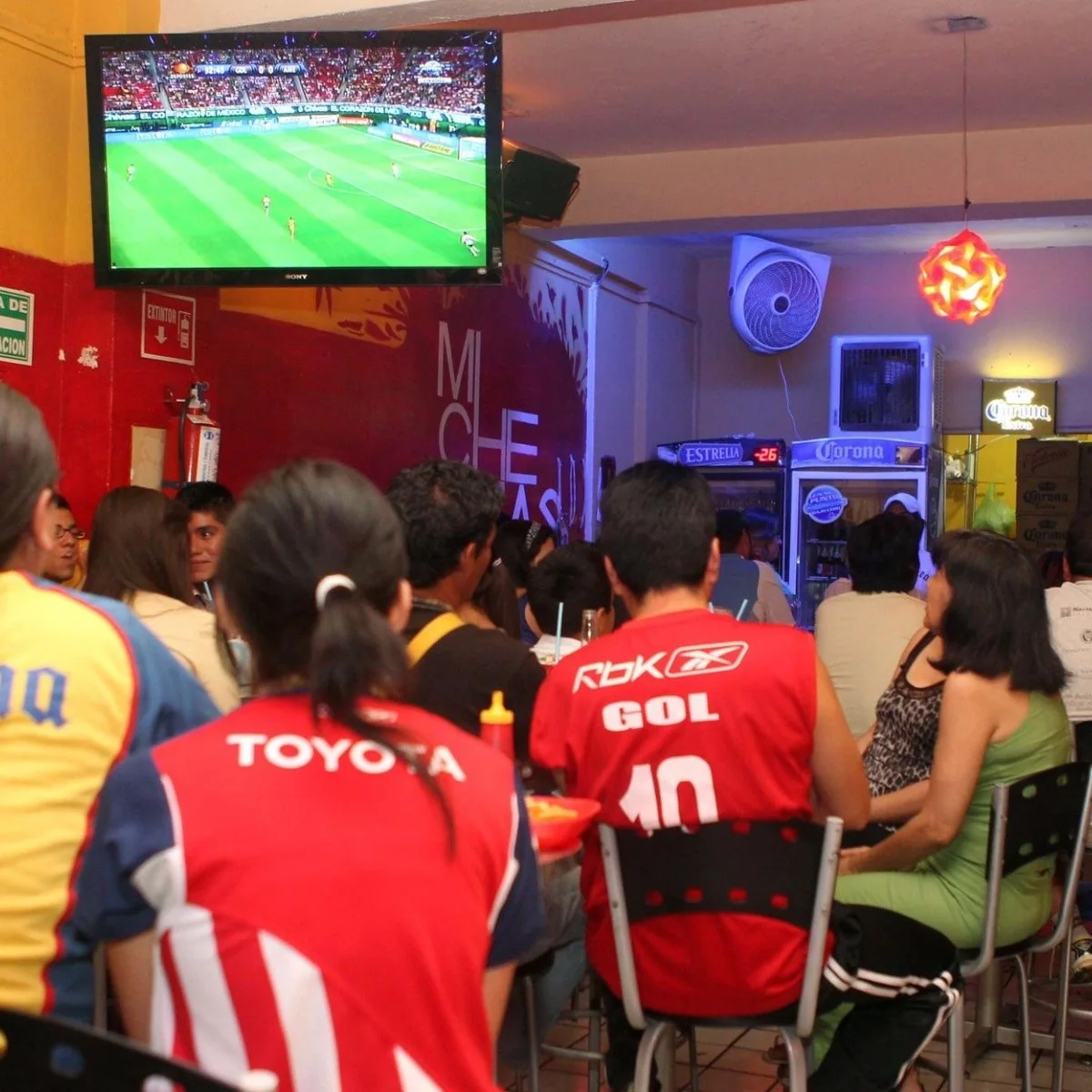
Run a connection test near the device and around the time you normally watch, then observe real playback. A ping result measures a network round trip in milliseconds; it does not tell you how far the video is behind the pitch. Watch whether the picture freezes or loses quality while the test still looks fast. If the same symptoms strike multiple devices on the same home network, your router or internet service deserves attention. If just one app on one device struggles, start with that app and device instead.
Check device support, app updates and ViX support
ViX lists supported phones, tablets, computers and a range of TV platforms, but support is not identical across every model and region; its own device page warns that Samsung's Tizen compatibility is not complete. Verify your particular model and app version rather than assuming the presence of a ViX icon proves an optimal live-sports experience. Try the same event on a second supported device if one is available. If the second plays steadily, that points you toward the first device's software or network link, though it does not prove that one class of device is universally quicker.
Update the app, and only if the issue persists, reinstall and sign in to a new session as ViX advises. If the problem repeats, use its chat or email support with the match, device, app version, connection type and times of the stalls. That is a report the service can investigate. “My friend saw the goal first” alone cannot distinguish a normal delivery difference from a correctable playback failure.
What should you do about YouTube TV, Hulu and matchday spoilers?
Use a documented low-delay control where one exists, then choose the feed you can legally receive and keep score alerts off if you want the goal to arrive on your screen first. YouTube TV has a specific TV-app setting for broadcast delay. ViX's published delay advice focuses on device and connection checks. The public information reviewed here does not support naming Hulu, ViX or YouTube TV as the winner for every Liga MX match.
Use YouTube TV's Broadcast Delay choice if that is your feed
If you are already watching an authorized match through the YouTube TV app on a television, Google's official instructions say to open the three-dot More menu, select Broadcast Delay, then choose Decrease or Default. Decrease aims to reduce the lag and the risk of a score being spoiled before the picture catches up. Default leaves more buffer and is intended to minimize interruptions. Try Decrease early in a match, when a frozen picture is less costly, and return to Default if the video begins to stall. The menu may not appear on a phone or in an unrelated app.
That setting changes the YouTube TV player's choice, not the camera, the broadcaster's production delay or a ViX stream. It also cannot guarantee that YouTube TV beats an antenna in your city. A low-latency option is a trade: if your Wi-Fi is marginal, a smaller safety cushion may make the viewing experience worse. For Hulu + Live TV, the research here did not uncover an equivalent, current official switch to recommend. Use its actual interface and official help rather than copying steps meant for another service.
Choose the verified feed and prevent spoilers before kickoff
A recent r/LigaMX thread about a Clásico asked whether ViX, Hulu or YouTube TV would be most current. Supporters gave conflicting answers and personal delay estimates. That is exactly why a service ranking copied from comments is poor matchday advice. Check the current U.S. channel assignment for your game, confirm the outlet on the provider's own event page, and only then compare the legal feeds you already have. If a match is ViX-exclusive, an antenna or a live-TV bundle cannot create a second version merely because it was useful last week. For which broadcast outlets can be received without a subscription, see our legal U.S. viewing guide.
Before kickoff, open the game, check that the app is current, test the home network and decide which screen is your reference. Silence score alerts and the group chat if friends use a faster feed. YouTube TV's Hide all scores option can conceal some team or league spoilers where the relevant page exists; we have not verified that every Liga MX team has a page. Do not open a live score panel to troubleshoot the video if the outcome matters to you. If the video remains stable but behind another household's television, there may be little to repair locally. A clean, watchable authorized feed with spoiler alerts muted can be a better match than repeated app restarts during every dangerous attack.
Comments
Comments are reviewed before publication.
Sign in with Google to comment. Spam, abusive content, personal information and policy-violating links are not published.
Sign in with Google to comment or reply.
Loading comments…